
Windows
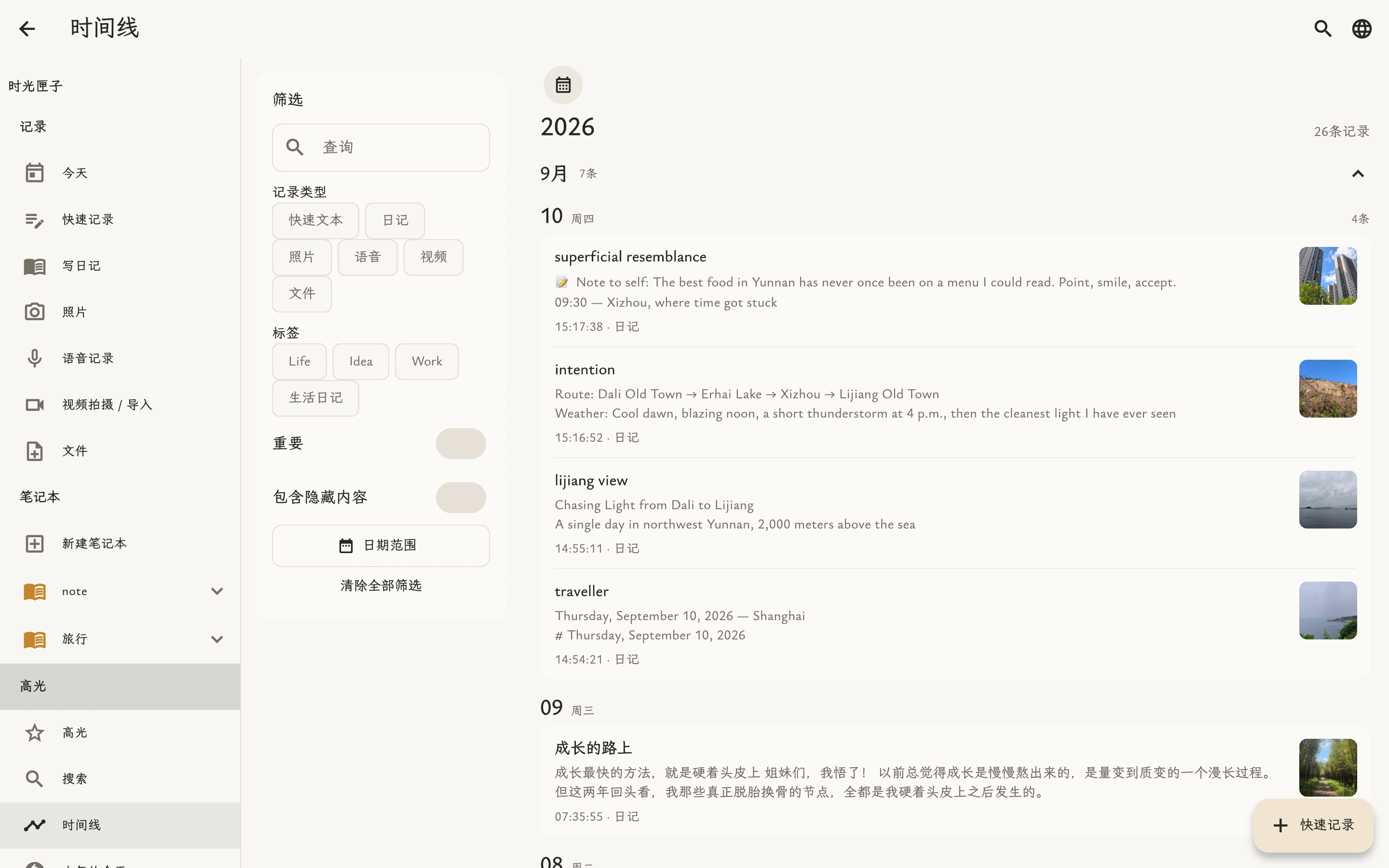
Organize on a larger screen
A private life archive that needs no account and never hands your journal to our cloud.
Some memories deserve to be kept well.Unlock a fuller, safer private life archive for one fixed price. No monthly fee and no annual fee.
PRO features designed for the long term
Keep text, photos, audio, video, and files together
Organize every memory around life, work, or any topic
Add dedicated protection to notebooks with sensitive content
Timeline, calendar, On This Day, random day, and annual review
Sync on the same Wi-Fi without routing through our cloud
Protect backups with a password and verify them before restore
Export to JSON, Markdown, media ZIP, PDF, and long image
No account required; your journal stays on your own devices by default
Most journals keep your life on their servers. TimeBox is different from the first entry.
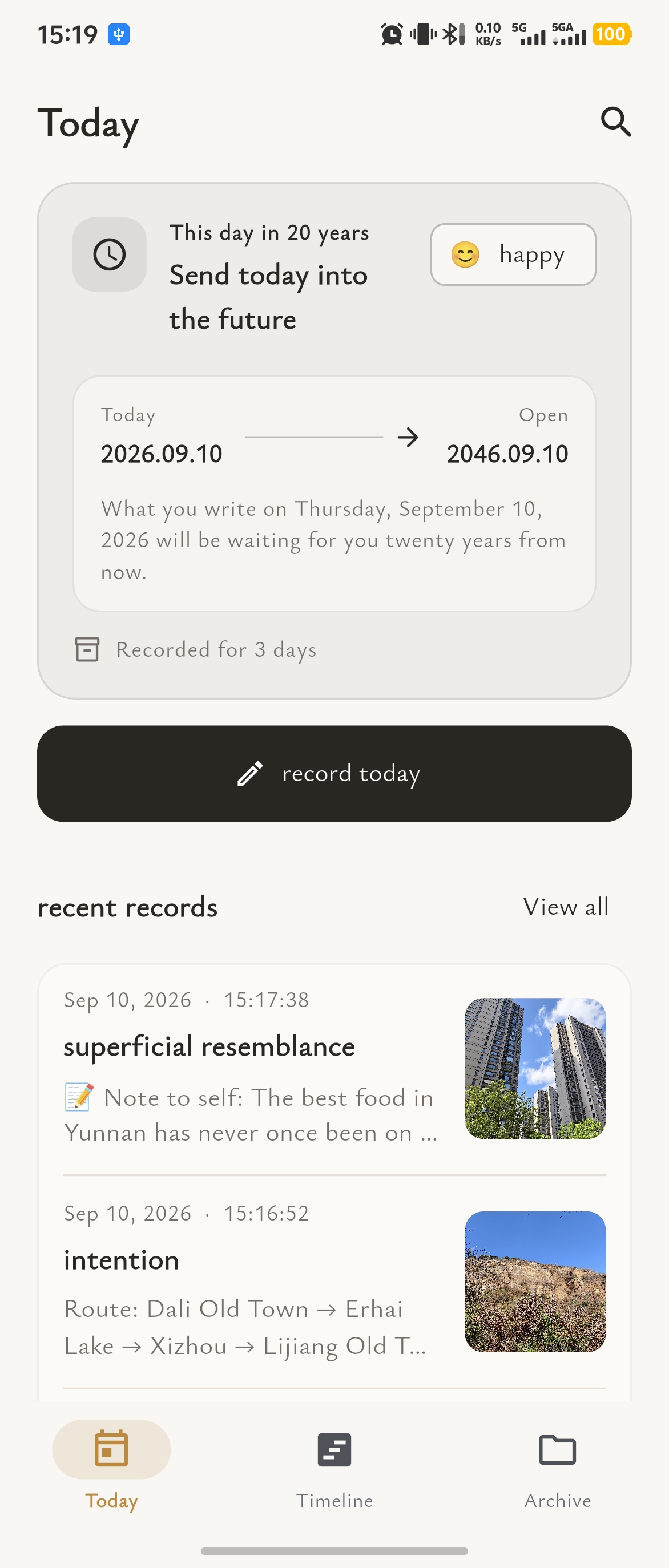
Open Today to see the present day and your newest entries at a glance. Bring words, photos, audio, video, and files together in one day.
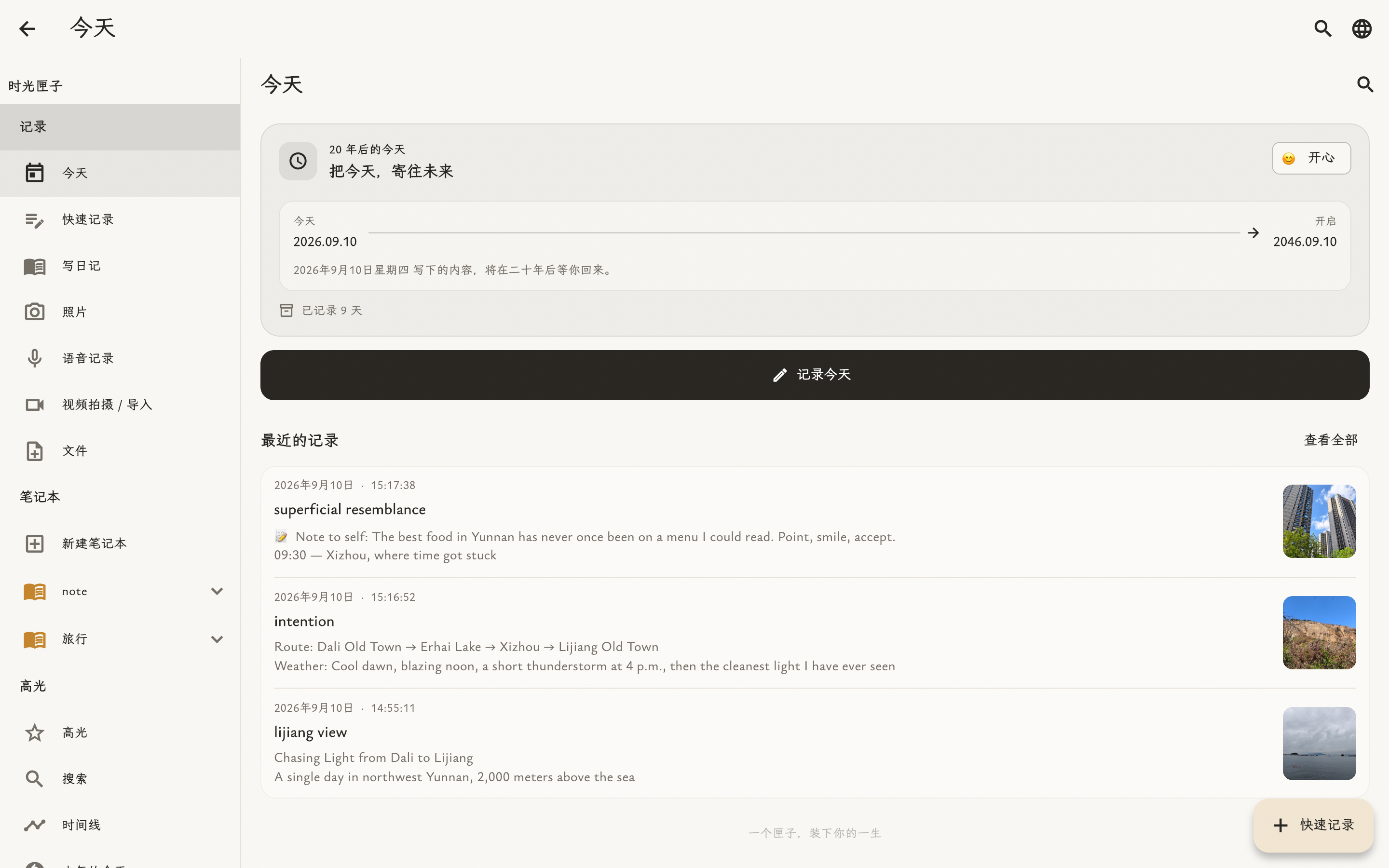
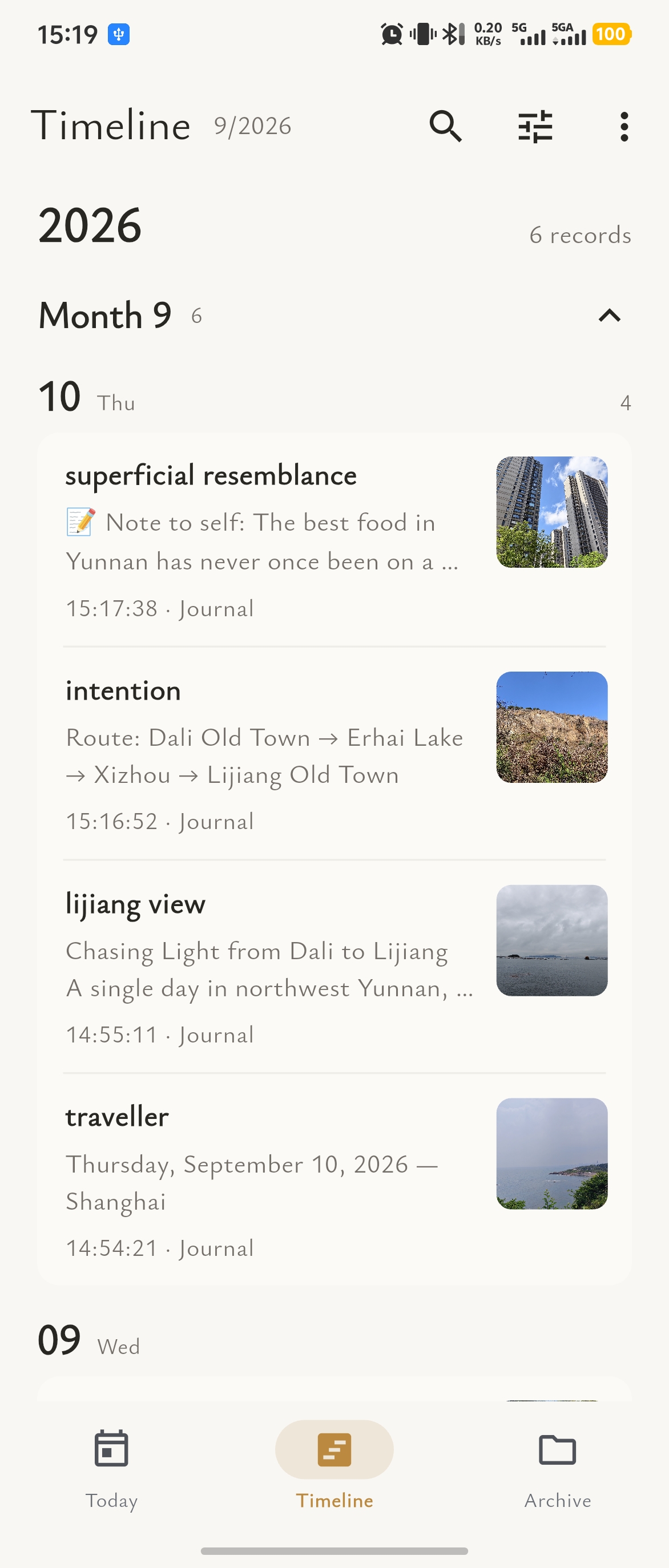
The timeline puts your entries back in date order. Trace a season or a journey, or use the calendar and search to find the day you have in mind.
A quiet writing surface lets your ideas unfold. Add photos, audio, or other details when you need them, with the title, text, and basic formatting kept in their places.
The evening breeze turned a page of the book by my window.
I wanted to save this ordinary, gentle moment for my future self.
From a Windows or macOS desktop to an iOS or Android phone, keep a familiar way to write and revisit your days. Direct Wi-Fi sync is available on supported releases.
Organize on a larger screen
Write at your desk
Capture on the go
Keep today close
Platform presentation uses existing desktop and mobile app screenshots inside device frames; these are not separate captures from each operating system. Sync and downloads depend on the released version.
Words, photos, and files are saved on your own device first. Keep writing while travelling or without a signal, then start a direct sync when your devices share the same Wi-Fi again.
No cloud relay. On the same local network, your phone, tablet, and computer can merge changes securely.
No cloud in the middle—just you and your devices.
Sync is more than a spinning indicator. Follow entries and related content item by item, see what completed or failed, and merge changes from both devices.
Choose how this restore handles existing data
Create a password-protected portable ZIP to keep yourself and import on another device as a merge. In-app local backups also include integrity checks and offer merge, replace, or new-archive restore options.
 What matters should remain in your care.
Password encryption, integrity checks, flexible restore modes, and open formats keep your archive usable and portable for the long term.
Protect the complete backup with a password
Verify data before changing your archive
Merge / replace / restore as a new archive
JSON / Markdown / media ZIP / PDF / long image
What to know about local storage, offline journaling, direct device sync, and backups.
No. You can start writing immediately, and journal content is stored on your own devices by default.
Yes. Text, photos, audio, video, and file entries are designed for local use. Only optional online features such as weather and maps need a connection.
No. TimeBox has no first-party cloud for storing or relaying journal content. If you choose a third-party weather, map, or app-store feature, that provider processes the information needed to perform it.
Supported releases discover and sync directly over the same mutually accessible Wi-Fi network, without routing your archive through our cloud servers.
Create a password-encrypted portable backup, verify integrity before restoring, and export to JSON, Markdown, media ZIP, PDF, or a long image when needed.
TimeBox is designed for Android, iPhone and iPad, macOS, and Windows. See the download section for currently available releases and platforms still coming to stores.
No monthly fee. No annual fee.
Viewing, backup, restore, and open-format export always remain available.